Efficient order management is the backbone of a successful restaurant. From taking customer orders to sending them to the kitchen and completing billing, every step must be fast and accurate. Manual processes often lead to delays, miscommunication, and errors. A modern POS (Point of Sale) system simplifies restaurant order management by automating workflows, improving accuracy, and enhancing the overall dining experience.
Challenges of Manual Order Management
Order Errors and Miscommunication
Handwritten orders or verbal instructions can result in incorrect items, missed modifiers, or wrong quantities.
Slow Service During Peak Hours
Manual order handling slows down service, increasing wait times and customer dissatisfaction.
Digital Order Taking Made Easy
Fast and Intuitive Order Entry
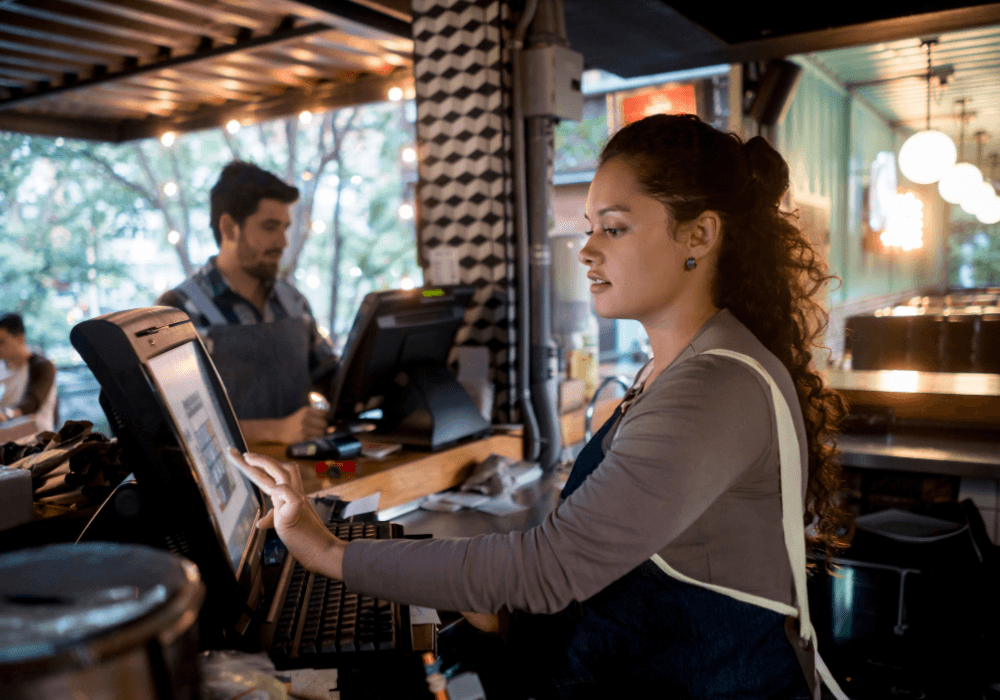
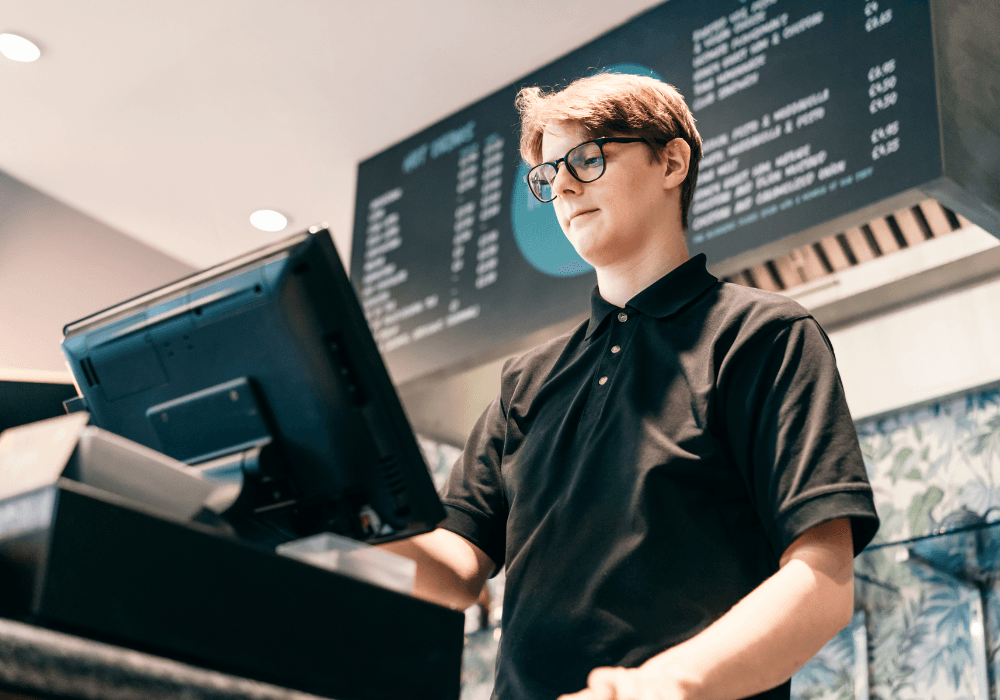
POS systems use touch-based interfaces that allow staff to select items, modifiers, and special instructions quickly.
Support for Dine-In, Takeaway, and Delivery
All order types are managed from a single POS system, reducing complexity.
Seamless Kitchen Order Transmission
إيصالات طلبات المطبخ
Orders are automatically sent to kitchen printers or kitchen display systems (KDS) as soon as they are placed.
Reduced Kitchen Errors
Clear digital orders eliminate confusion and ensure accurate food preparation.
Real-Time Order Tracking
Order Status Visibility
POS systems show the status of each order—placed, preparing, ready, or served—helping staff manage workflows efficiently.
Faster Table Turnover
Real-time tracking ensures timely service and quicker table availability.
Order Modifiers and Customization
Handling Special Requests
POS software supports modifiers such as spice level, add-ons, or ingredient exclusions.
Improved Customer Satisfaction
Accurate customization ensures customers receive exactly what they ordered.
Split Bills and Flexible Payments
Easy Bill Splitting
POS systems allow splitting bills by items, guests, or payment methods.
Multiple Payment Options
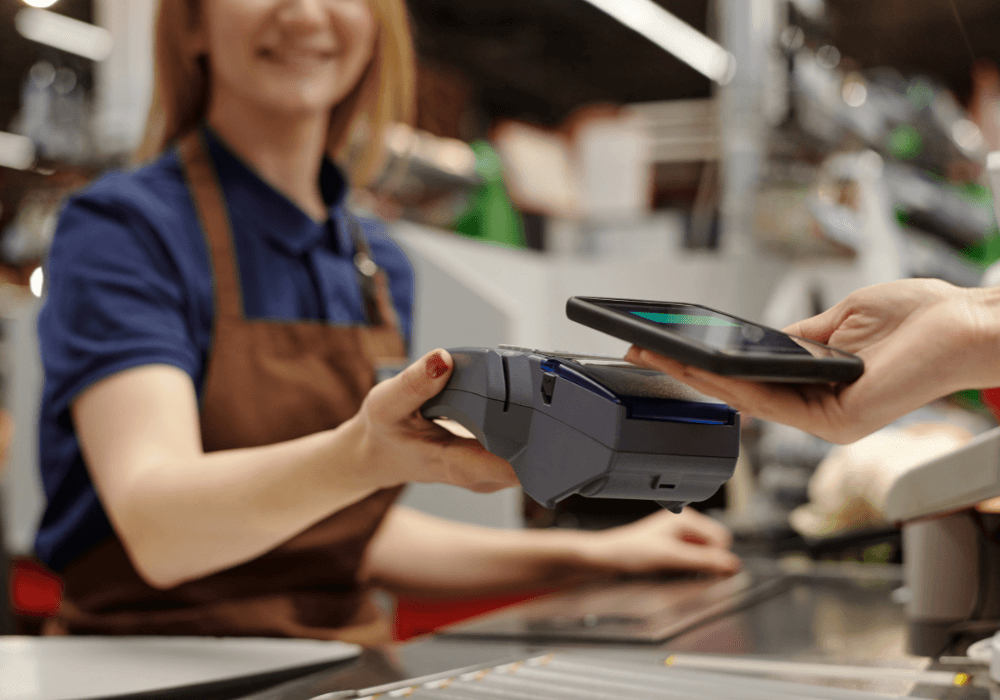
Support for cash, cards, UPI, wallets, and contactless payments simplifies checkout.

Integration with Online Ordering Platforms
Centralized Order Management
Orders from online platforms and delivery apps flow directly into the POS system.
Reduced Order Duplication
Automatic integration minimizes manual re-entry and errors.
Inventory Sync with Orders
Real-Time Stock Updates
Each order automatically updates ingredient and item inventory levels.
Preventing Out-of-Stock Orders
POS systems can block unavailable items to avoid customer disappointment.
Staff Coordination and Efficiency
Clear Role Assignments
Front-of-house and kitchen staff receive clear instructions through the POS system.
Improved Team Productivity
Automation reduces confusion and allows staff to focus on service quality.
Reporting and Order Analytics
Order Volume and Trend Analysis
POS reports show order patterns, peak hours, and popular items.
Better Operational Decisions
Managers can adjust staffing, menu, and pricing based on order data.
Offline Order Management
Uninterrupted Operations
POS systems can continue managing orders even during internet outages.
Automatic Data Sync
Once connectivity is restored, all orders are synced automatically.
Conclusion
A POS system simplifies restaurant order management by digitizing every step—from order taking to kitchen communication and billing. By reducing errors, speeding up service, and providing real-time visibility, POS software helps restaurants operate efficiently and deliver a better customer experience. In today’s competitive food service industry, a reliable POS system is essential for smooth order management and sustainable growth.