Restaurants and cafés operate in fast-paced environments where speed, accuracy, and customer experience directly impact success. A modern POS (Point of Sale) system is more than a billing tool—it is the backbone of daily operations. Choosing the right POS with the essential features can help restaurants and cafés improve efficiency, reduce costs, and increase customer satisfaction.
Fast and User-Friendly Billing System
Quick Order Entry
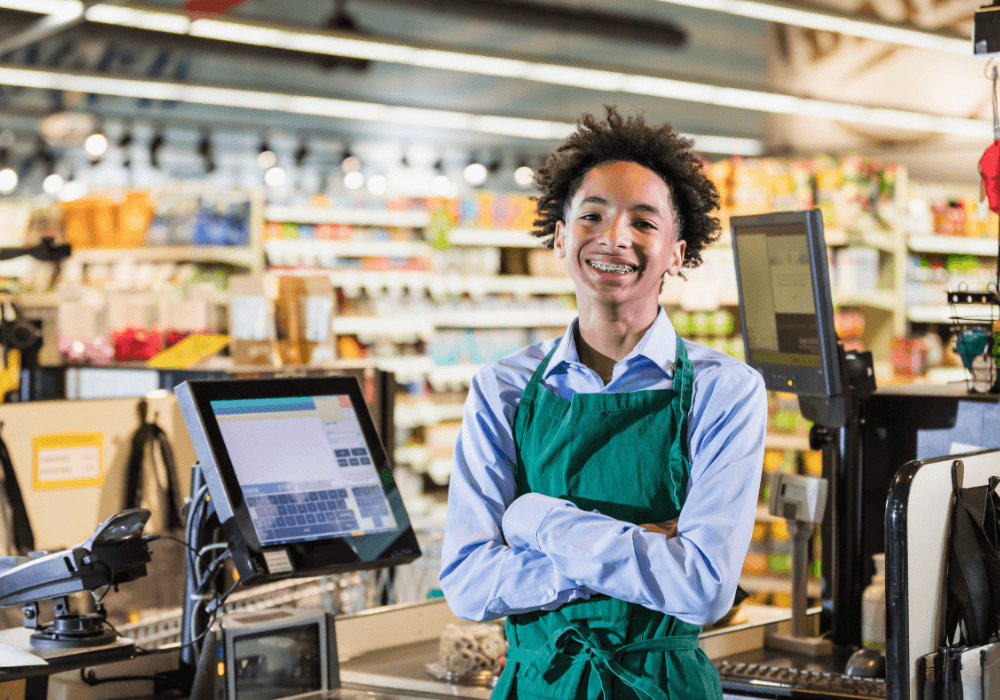
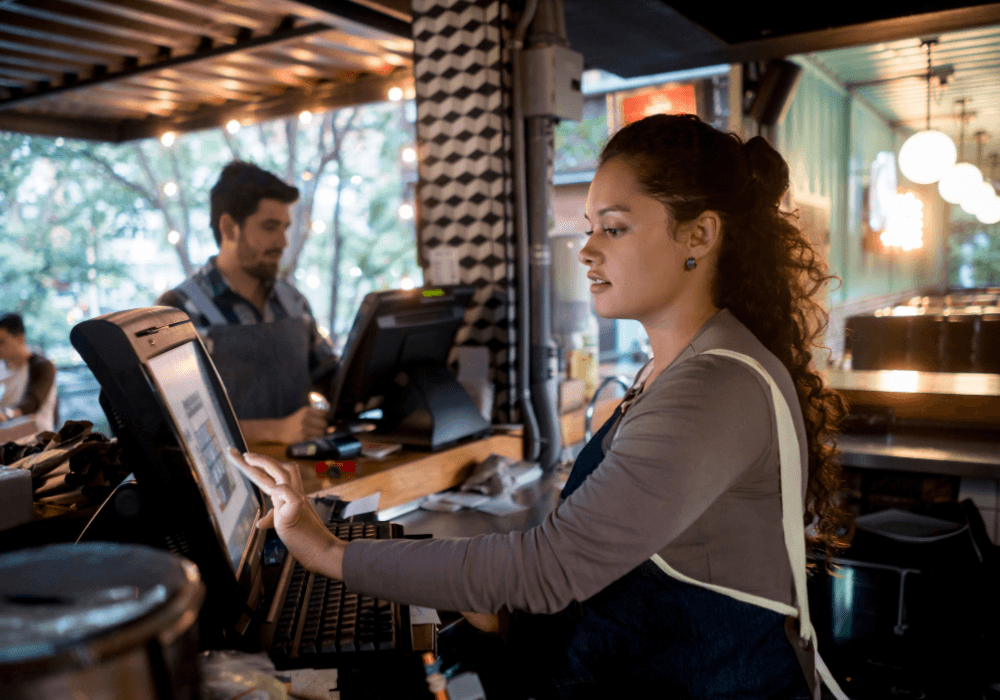
A touch-based, intuitive interface allows staff to take orders quickly, even during peak hours.
Multiple Payment Options
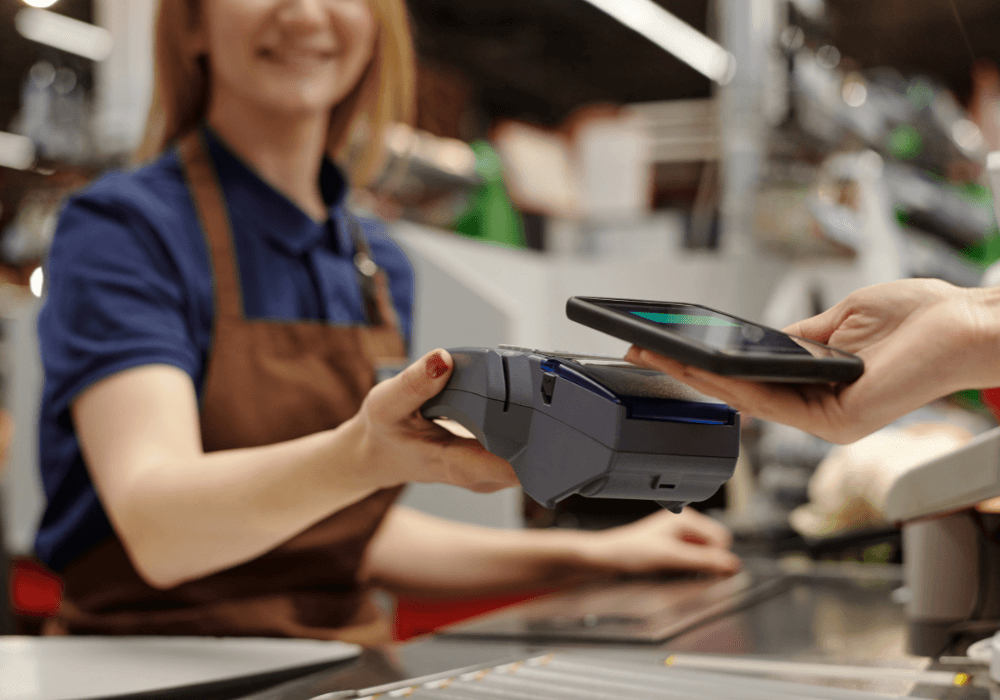
Support for cash, cards, UPI, wallets, QR codes, and contactless payments ensures smooth and fast checkouts.
Menu Management and Customization
Flexible Menu Setup
POS systems should allow easy creation and updates of menus with categories, prices, and images.
Modifiers and Add-Ons
Support for extra toppings, sizes, and special instructions improves order accuracy and customer satisfaction.
Kitchen Order Management (KOT)
Instant Order Transmission
Orders are automatically sent to the kitchen via KOT printers or kitchen display systems (KDS).
Reduced Errors and Faster Preparation
Clear digital orders eliminate miscommunication between front-of-house and kitchen staff.
Table and Order Management
Dine-In Table Tracking
POS software helps manage table status, split bills, and merge orders easily.
Takeaway and Delivery Orders
All order types—dine-in, takeaway, and online delivery—are handled from a single system.
Inventory and Ingredient Management
Real-Time Stock Tracking
POS systems automatically update inventory based on orders and ingredient usage.
Low-Stock and Expiry Alerts
Alerts help prevent ingredient shortages and reduce wastage.
Integration with Online Ordering and Delivery Platforms
Centralized Order Handling
Orders from food delivery apps and websites are synced directly to the POS.
Increased Sales Channels
Online integration helps restaurants reach more customers without operational complexity.
Customer Management and Loyalty Programs
Customer Profiles and History
POS software stores customer details and order history for personalized service.
Loyalty and Rewards
Built-in loyalty programs encourage repeat visits and higher customer retention.
Staff Management and Access Control
Role-Based User Permissions
Different access levels for cashiers, managers, and owners improve security.
Staff Performance Tracking
Sales and productivity reports help identify top-performing staff members.
Reporting and Analytics
Sales and Revenue Reports
Real-time and historical reports provide insights into daily performance.
Menu and Profit Analysis
Identify best-selling and high-margin items to optimize the menu.

Offline Mode and Data Sync
Uninterrupted Operations
POS systems should work even without internet connectivity.
Automatic Data Synchronization
Once online, all data syncs automatically without manual effort.
Security and Compliance
Secure Transactions
Data encryption and secure login protect business and customer information.
Tax and Invoice Compliance
Accurate tax calculations and compliant invoices reduce legal risks.
Scalability for Growing Businesses
Multi-Outlet Support
POS systems should support multiple locations with centralized control.
Easy Feature Expansion
The system should grow with the business without major upgrades.
Conclusion
The right POS system with essential features can transform restaurant and café operations. From fast billing and accurate order management to inventory control and data-driven insights, a modern POS helps food businesses operate efficiently and profitably. Investing in a feature-rich, scalable POS system is a key step toward long-term success in the competitive restaurant and café industry.